Overview
Interview prep that flies around one date.
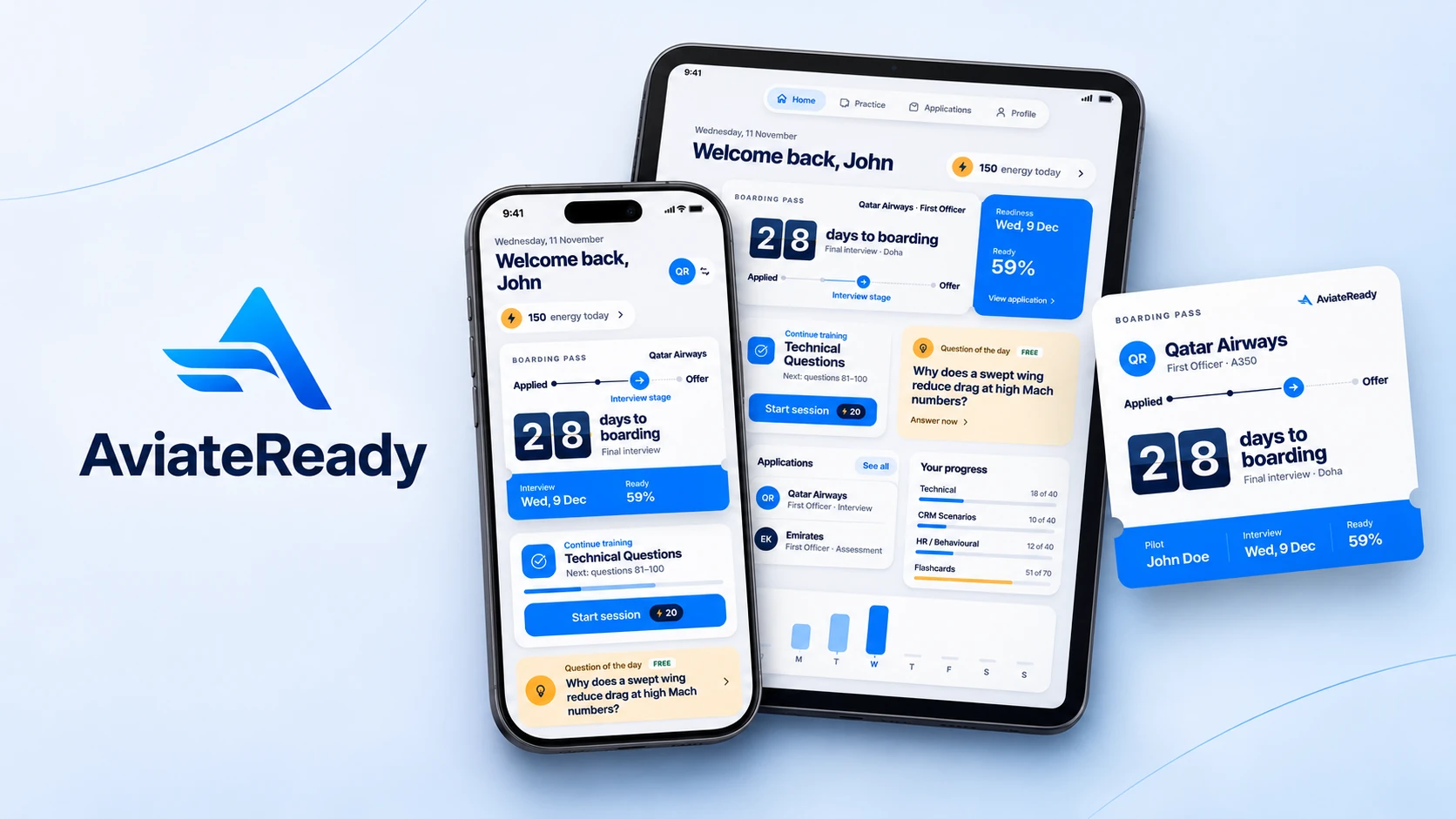
AviateReady helps pilots prepare for airline interviews with technical questions, CRM scenarios, HR questions and flashcards. I redesigned the live iOS app end to end: the information architecture, every screen for iPhone and iPad, the design system and the brand.
The new structure is built around one active target, the airline and the interview date, refined through an Active Target model, a Departure Board concept and an iOS-native pass before the final screens.
- Platform
- iOS · iPhone & iPad
- Status
- Live on the App Store
View on the App Store - Design system
- Built with the help of Claude
The app
Every flow, from onboarding to offer.
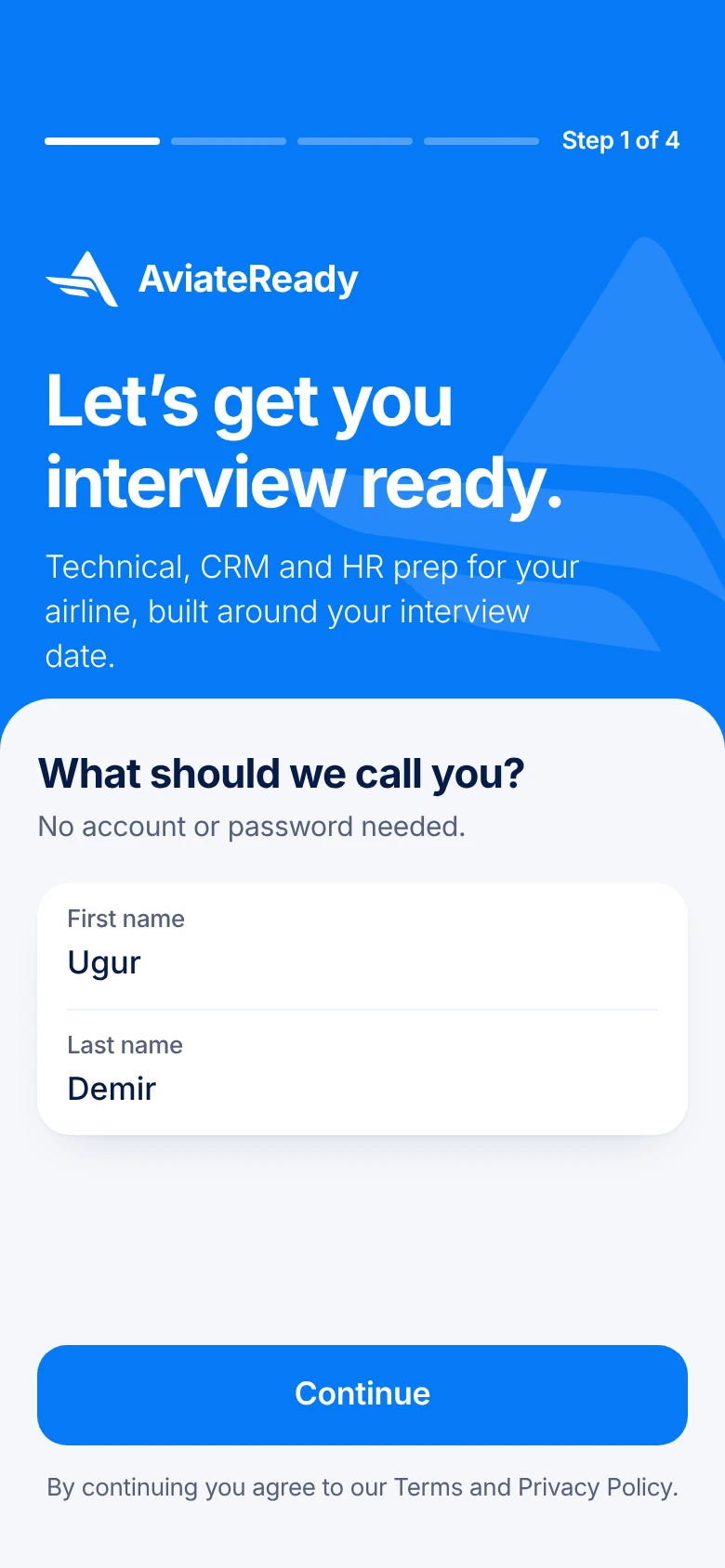
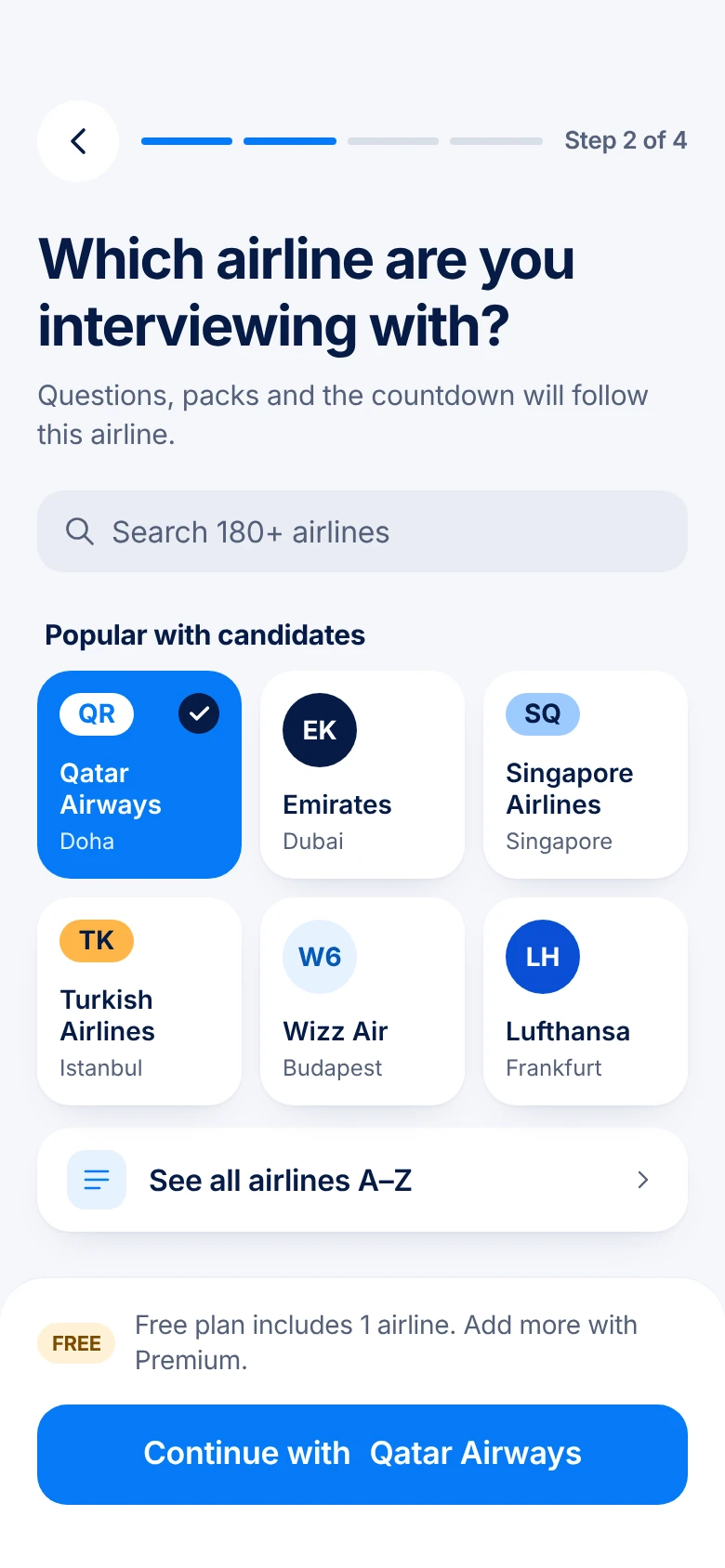
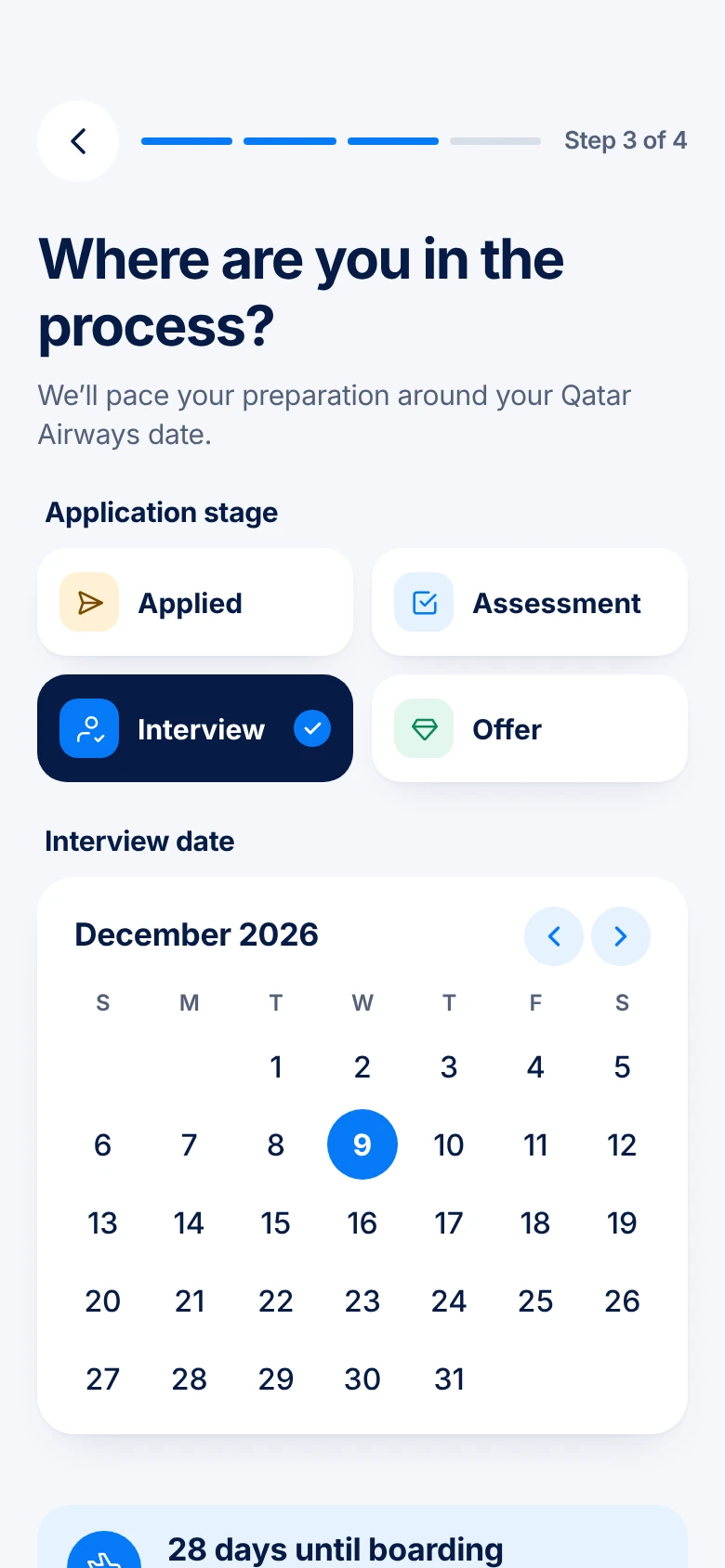
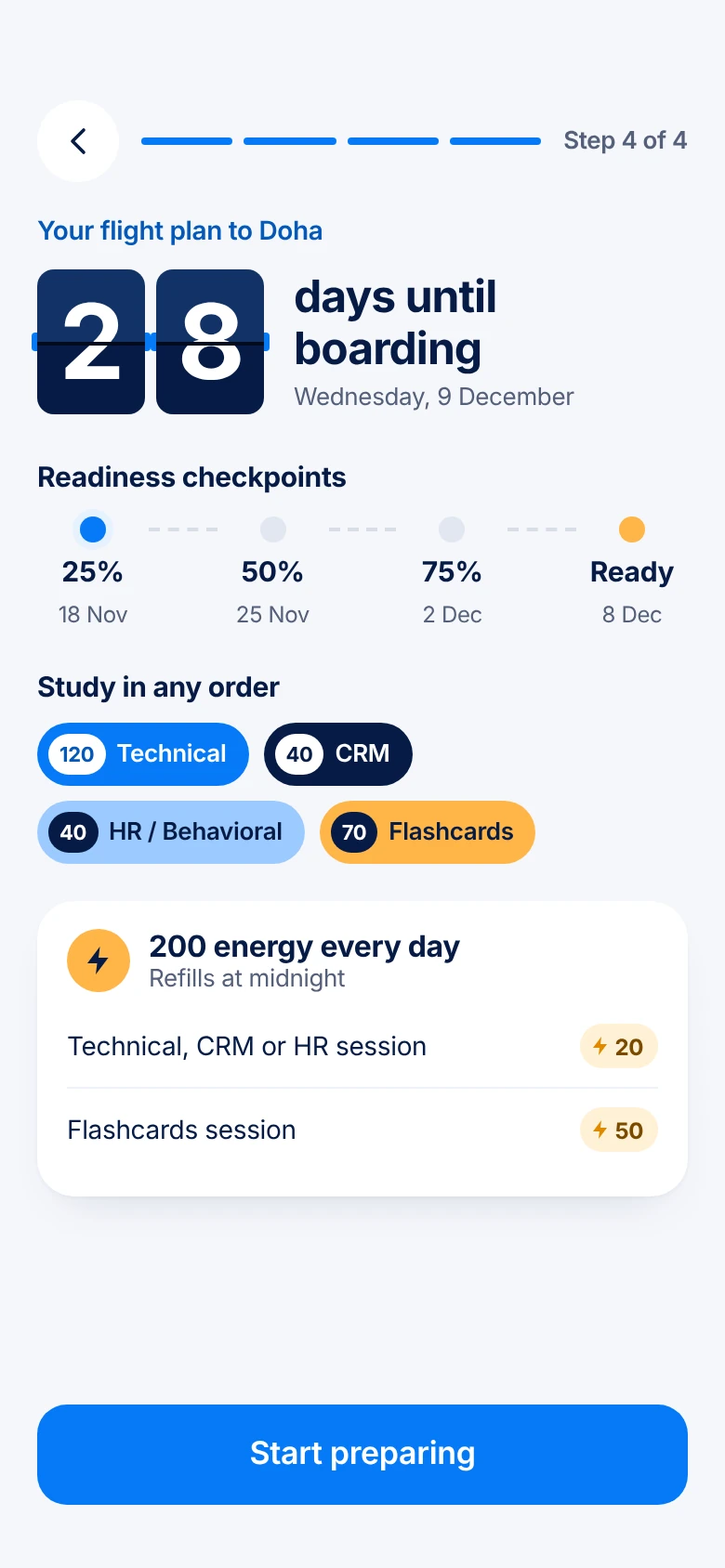
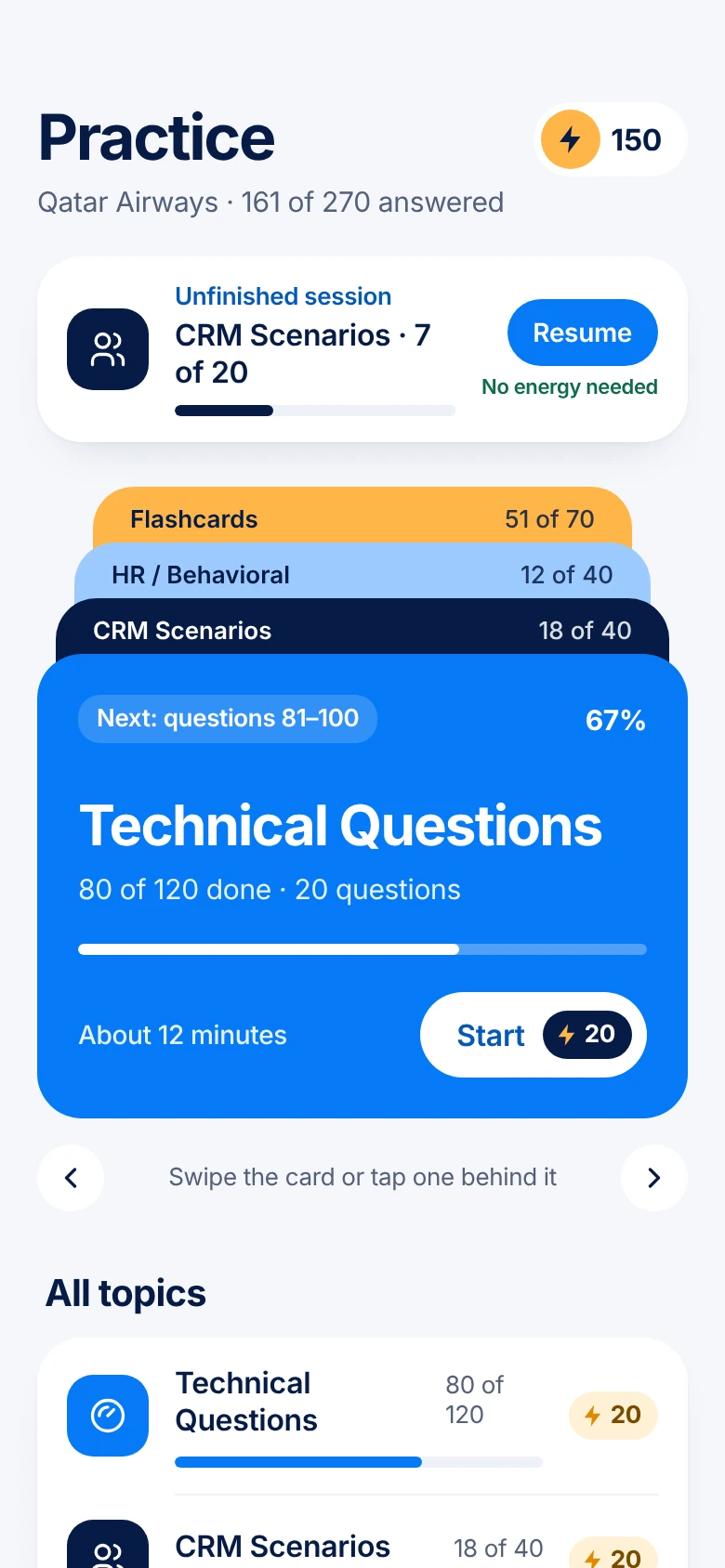
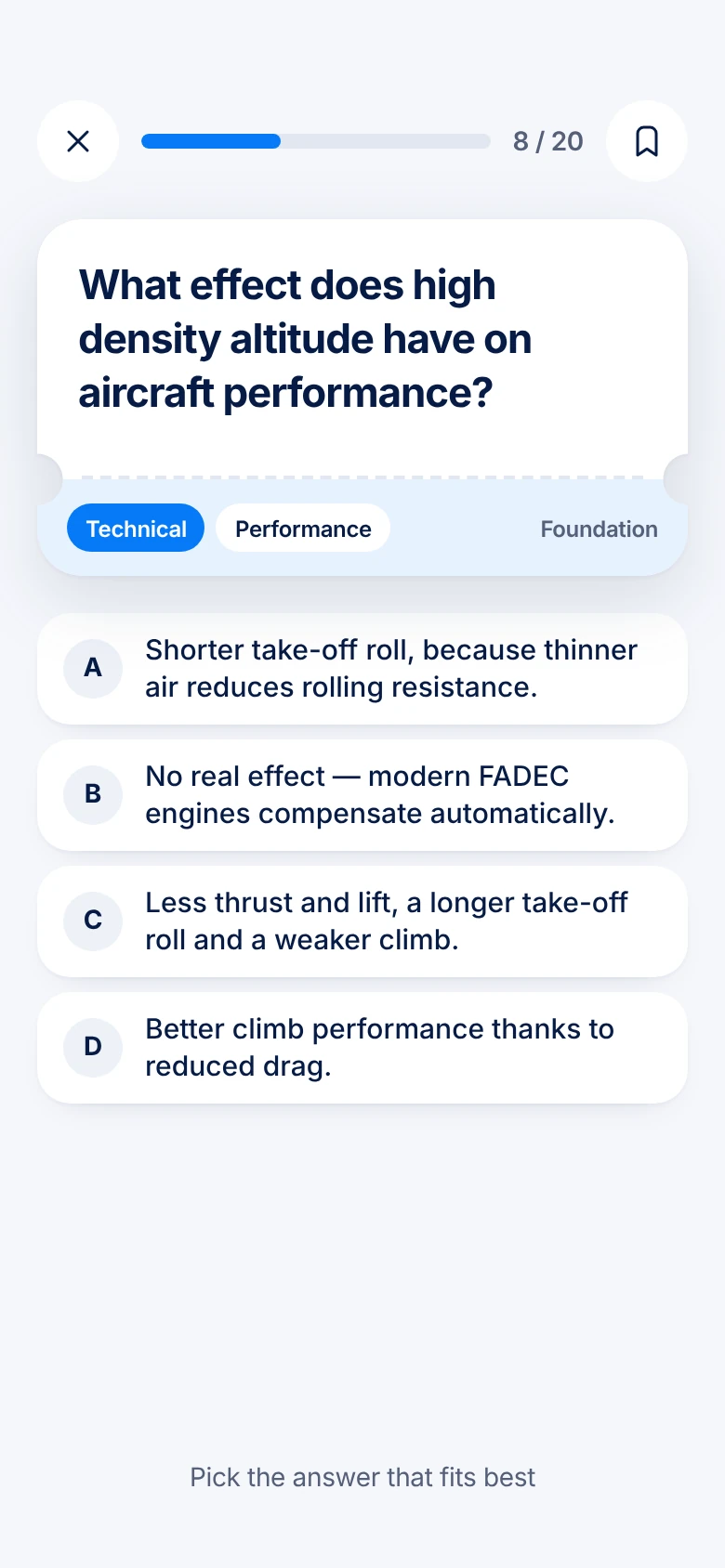
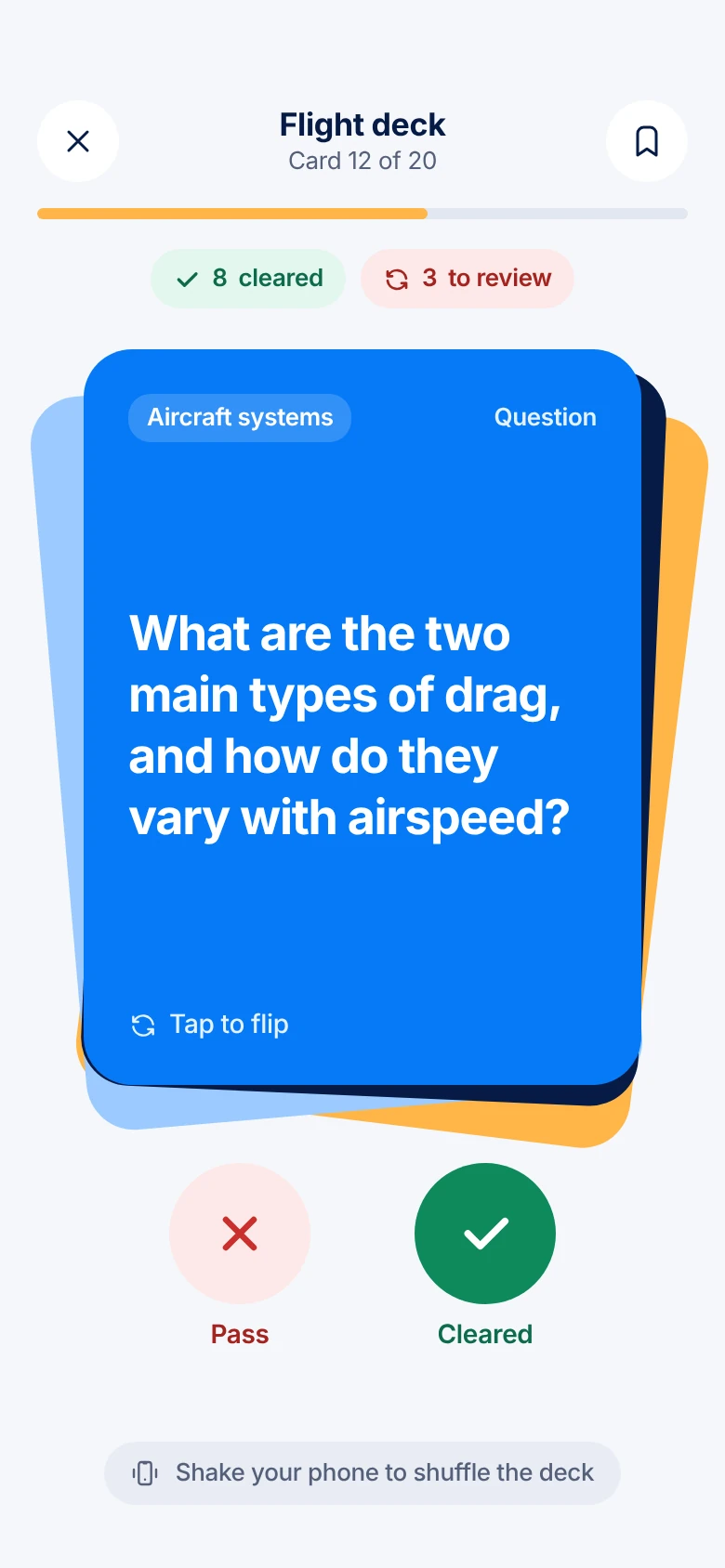
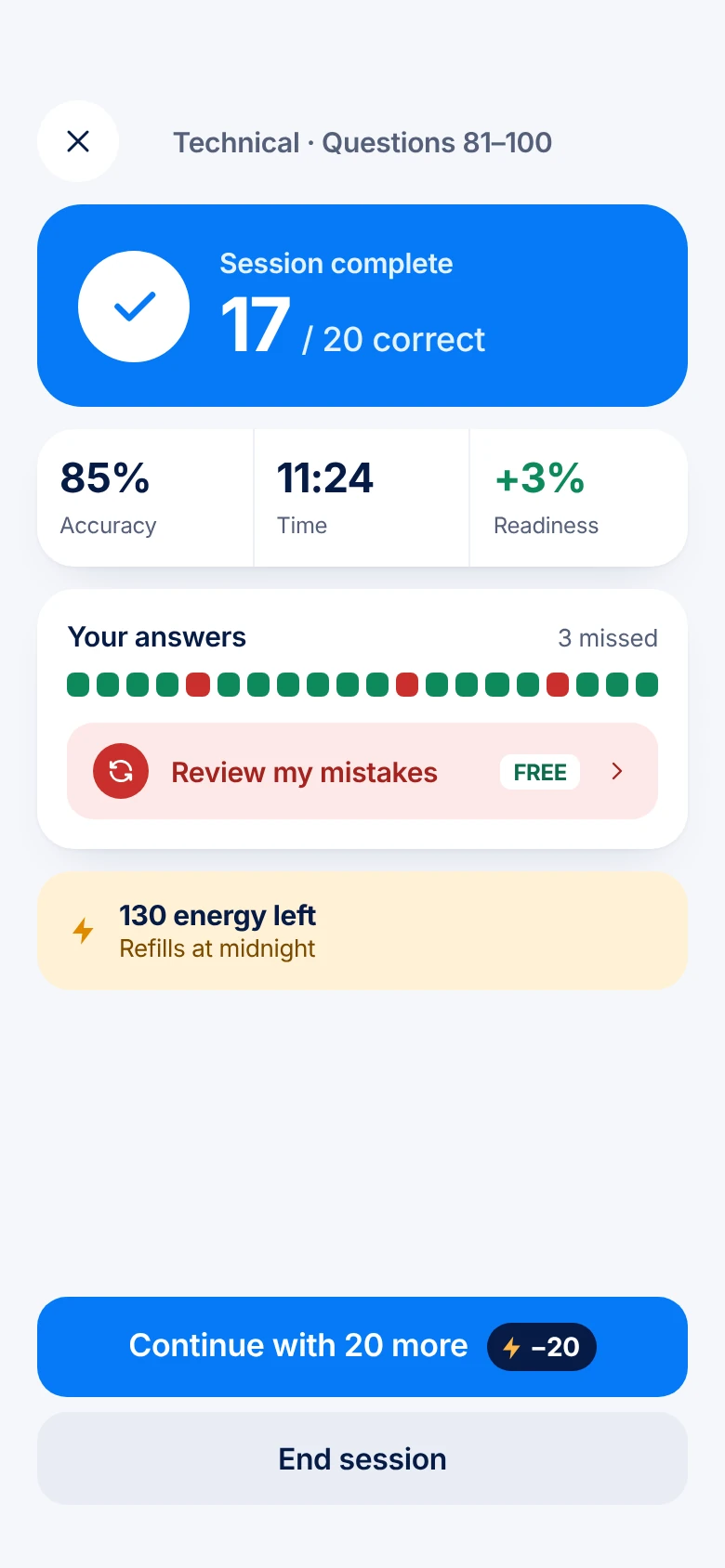
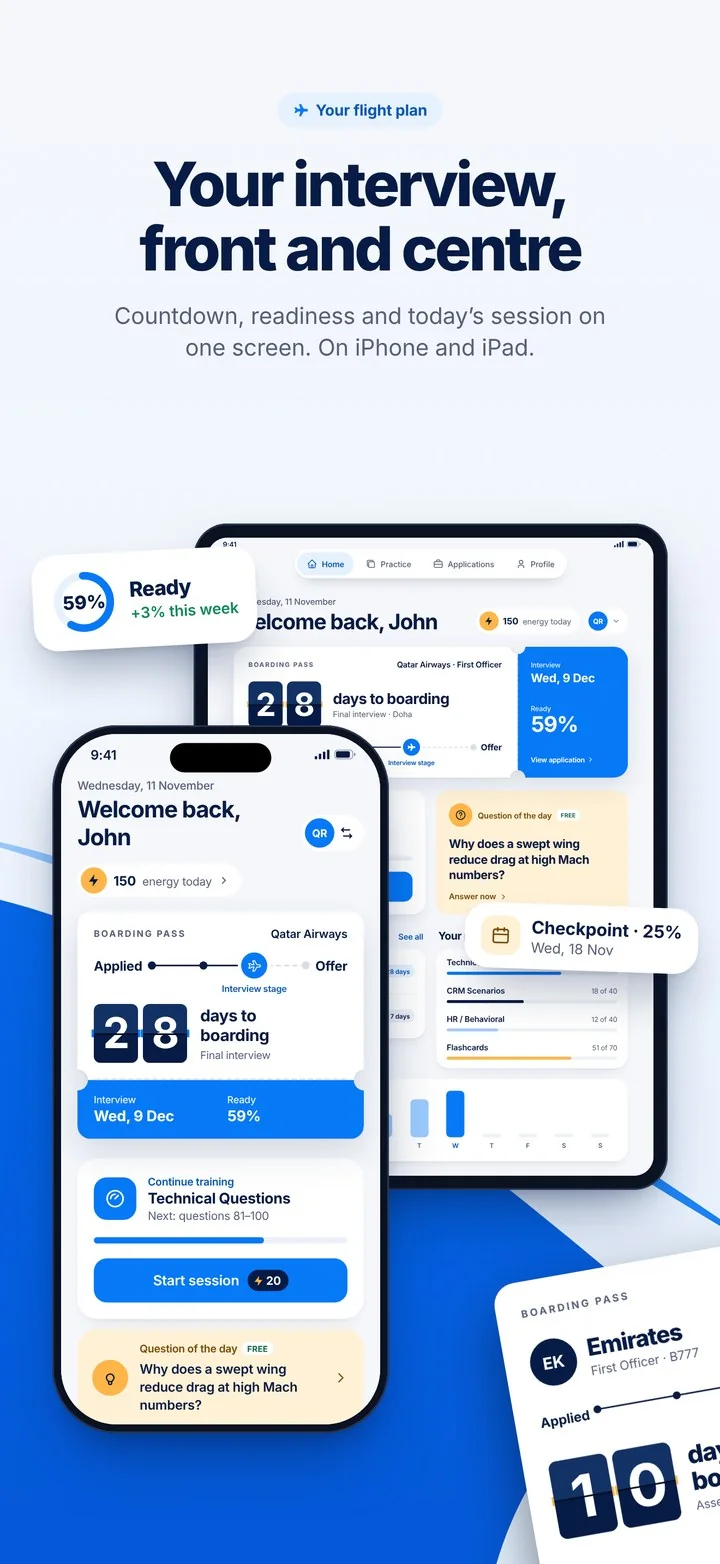
Onboarding sets the airline, stage and interview date. From there, practice, questions, flashcards and applications all follow the same target.
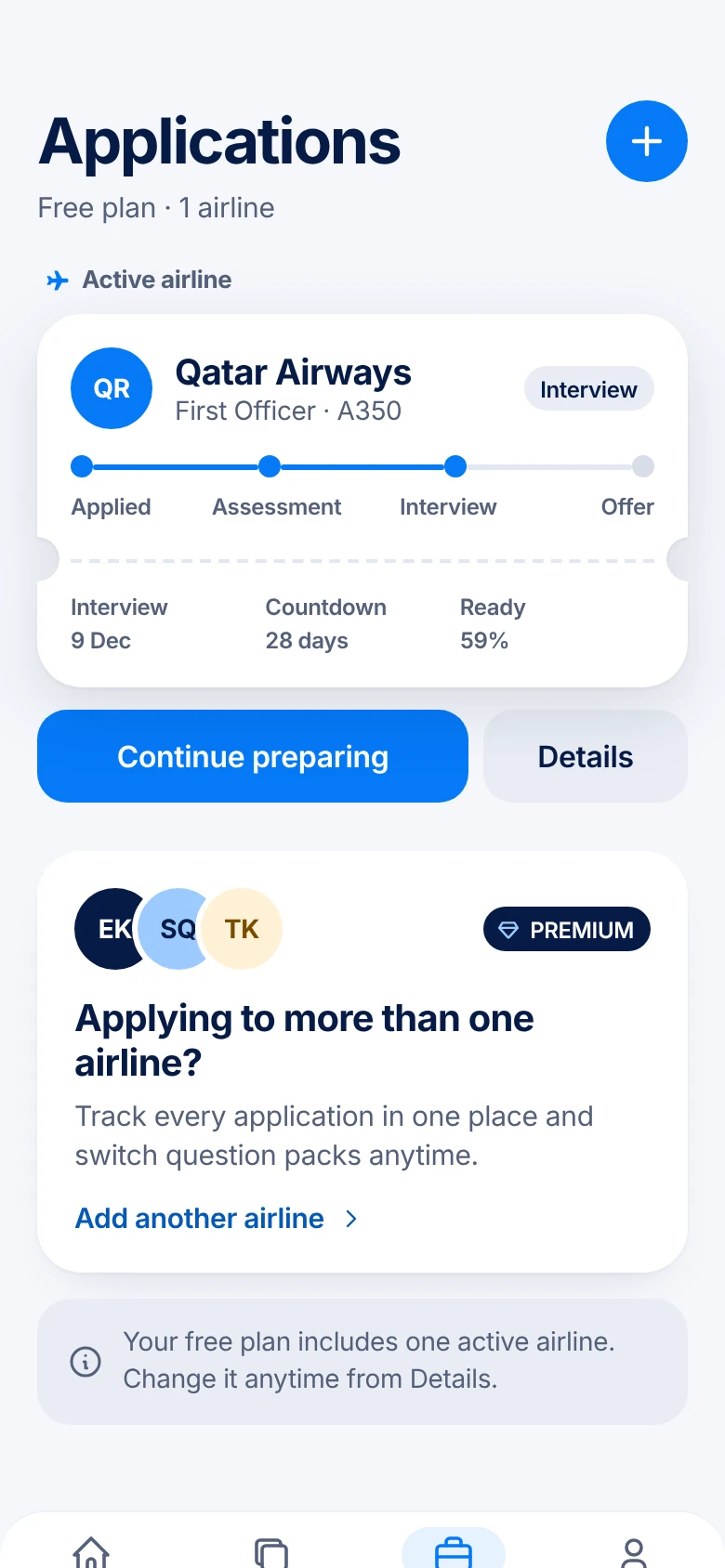
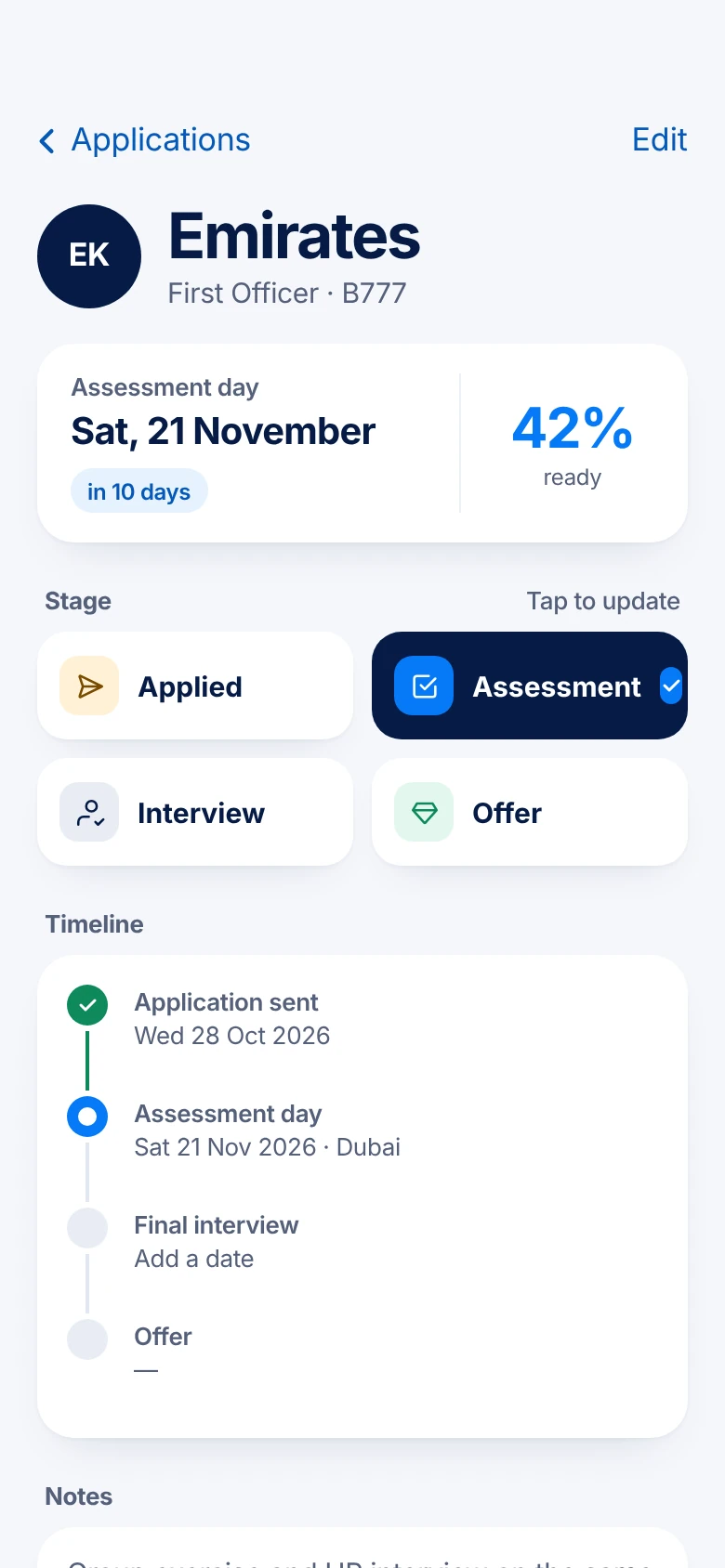
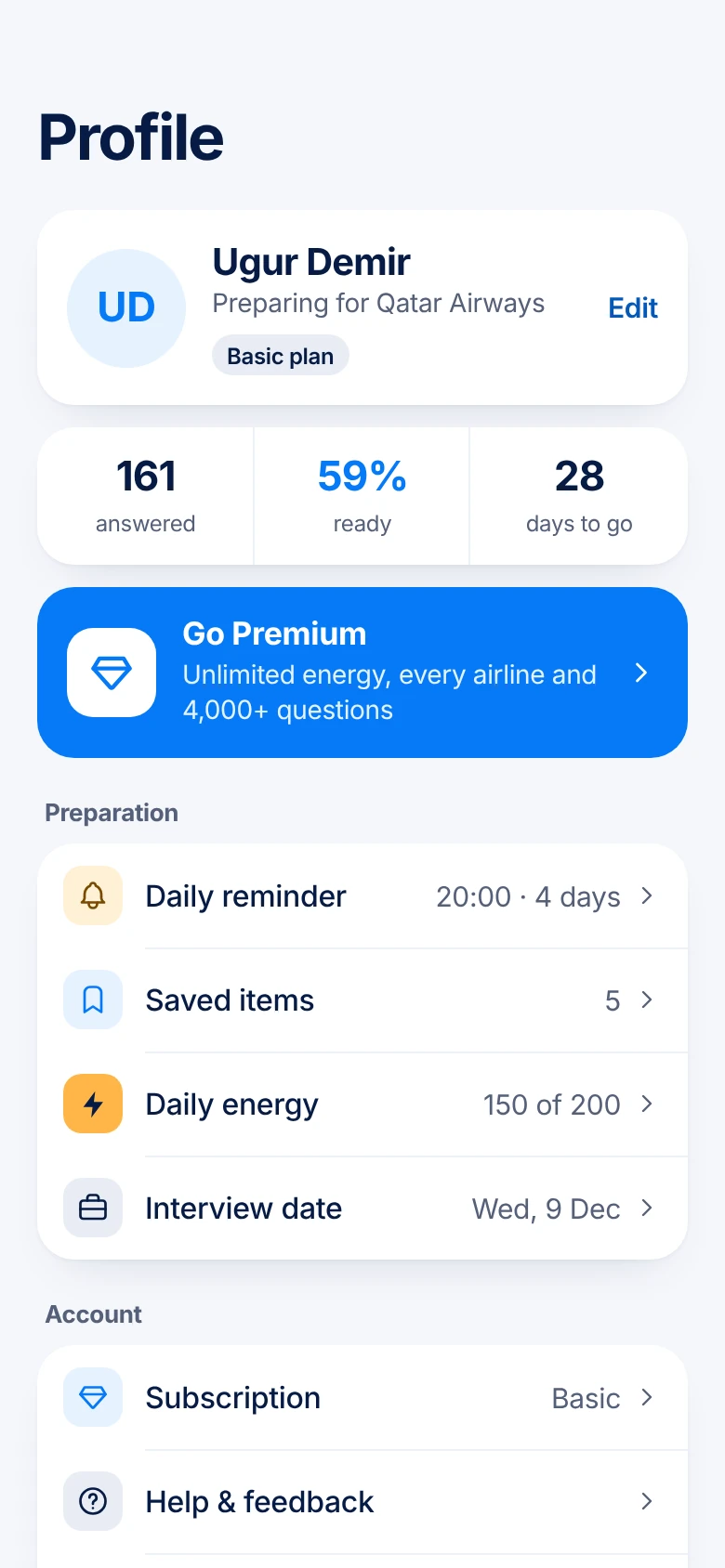
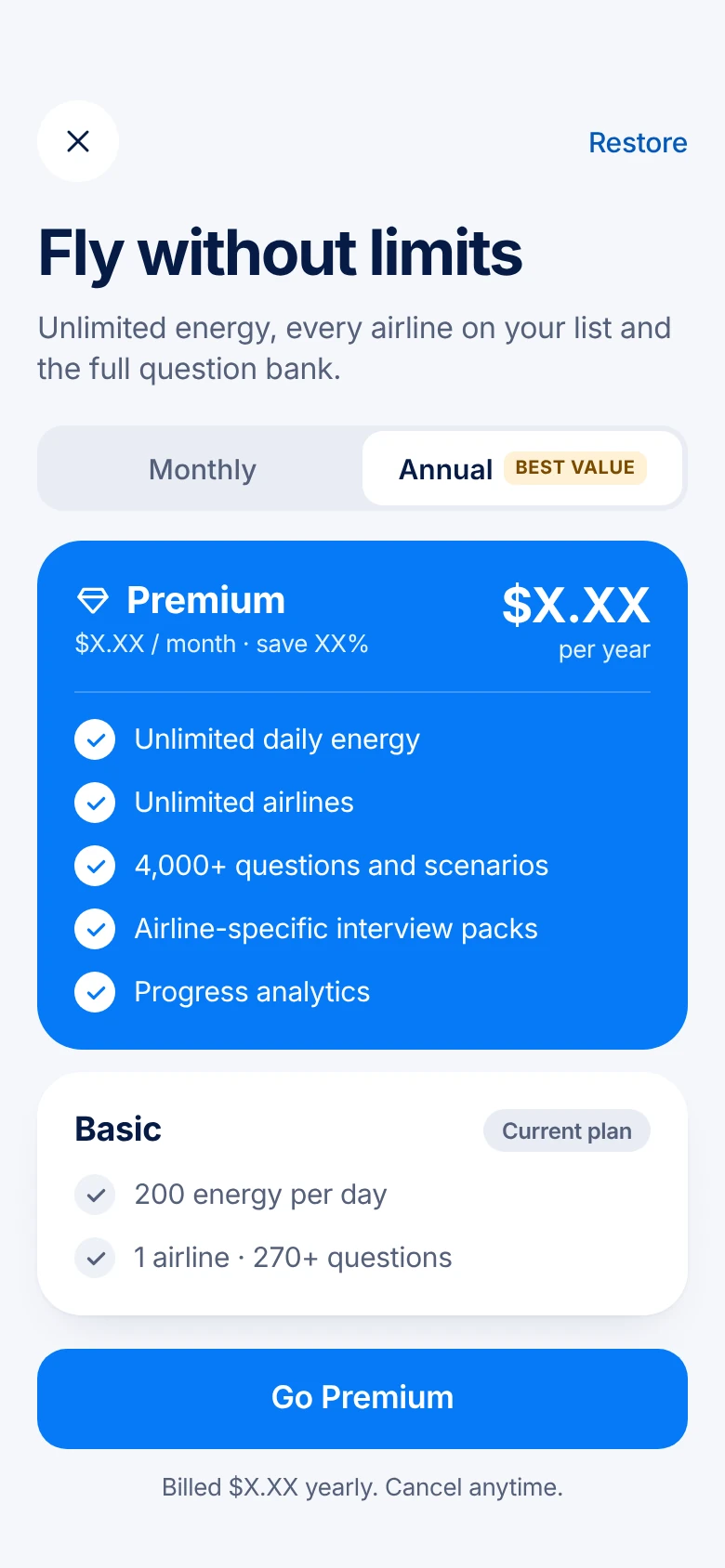
Design highlights
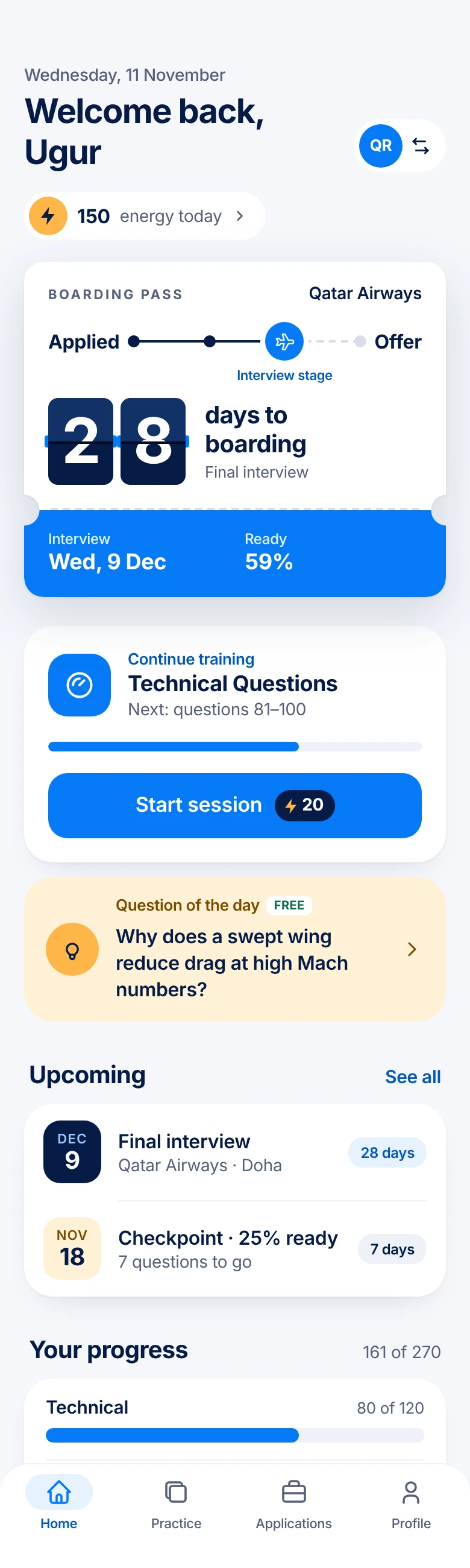
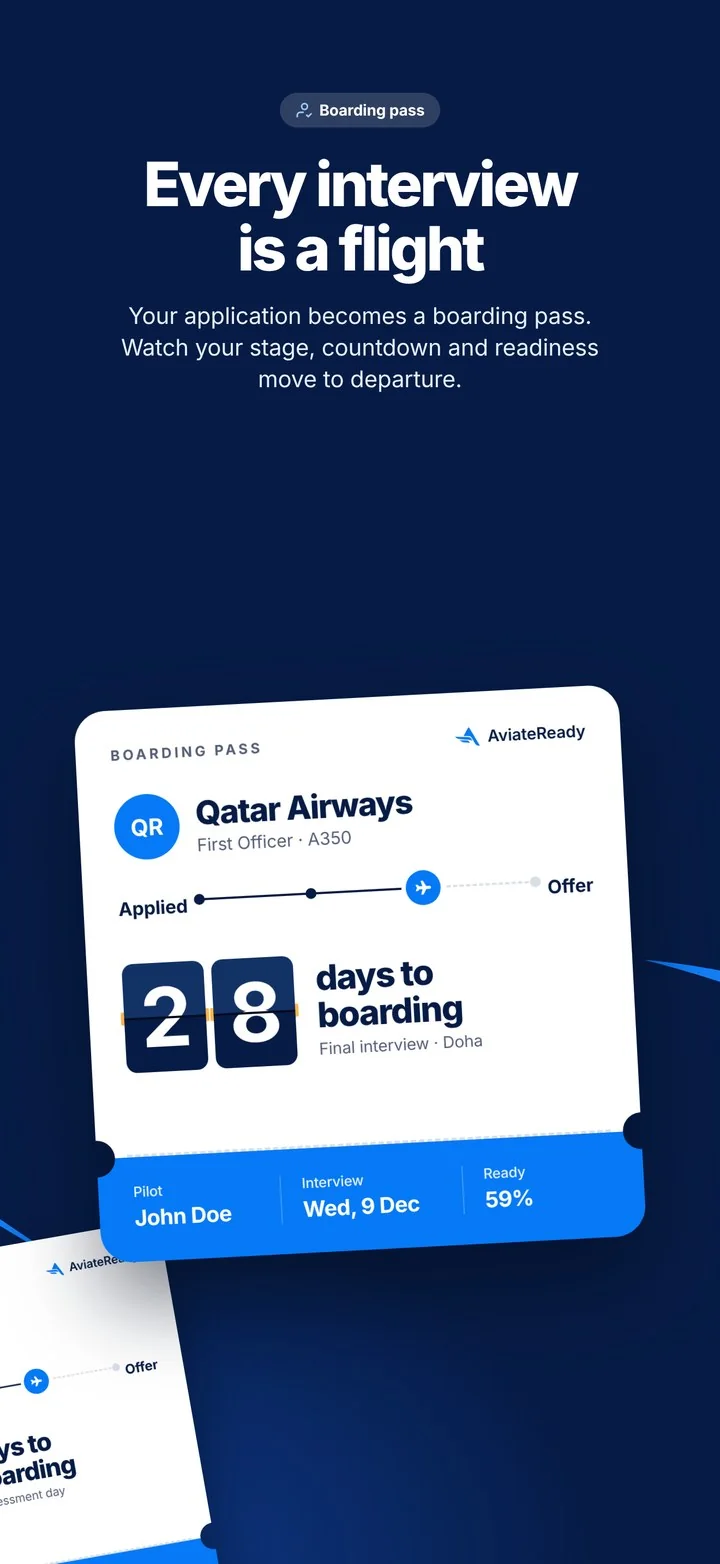
A boarding pass for the big day
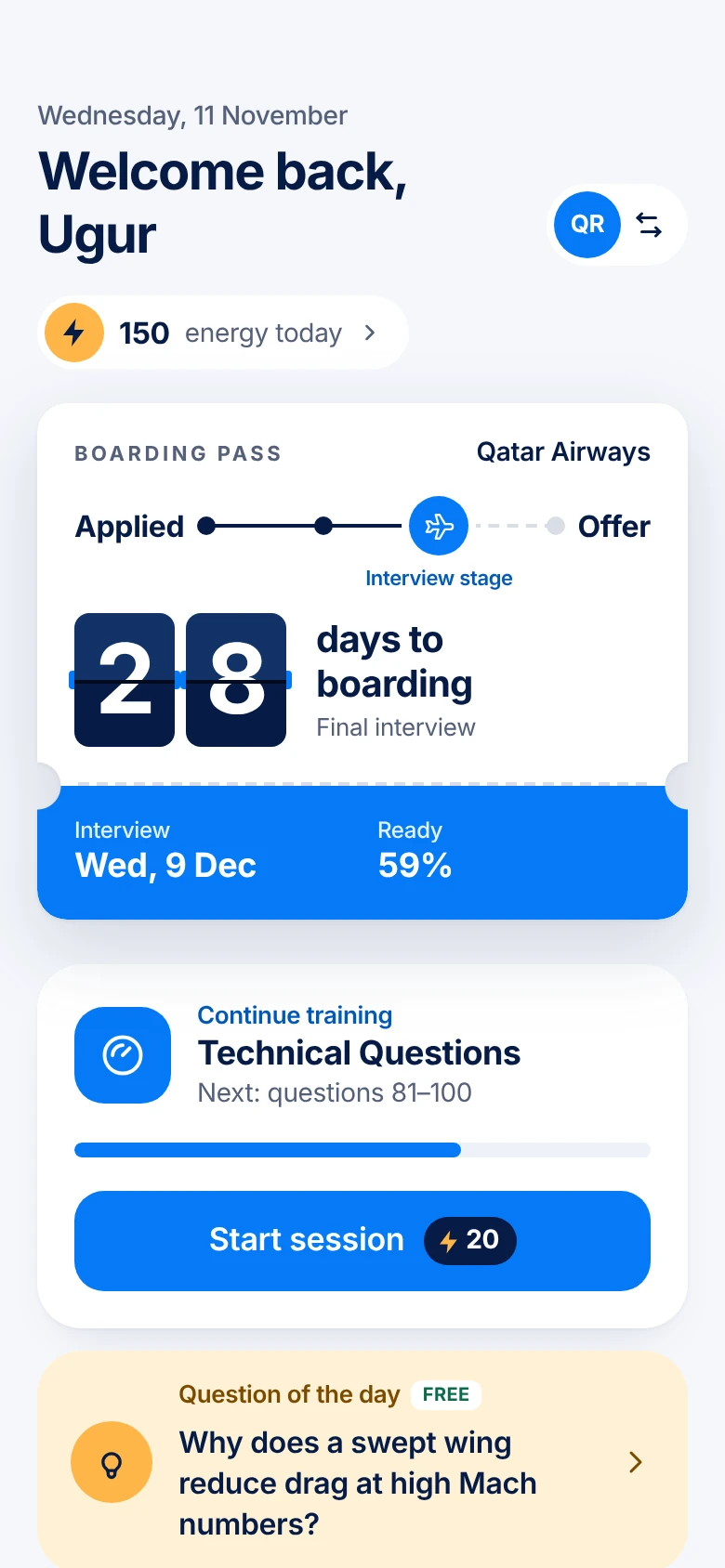
Home counts down to the interview with split-flap digits and shows how ready you are.
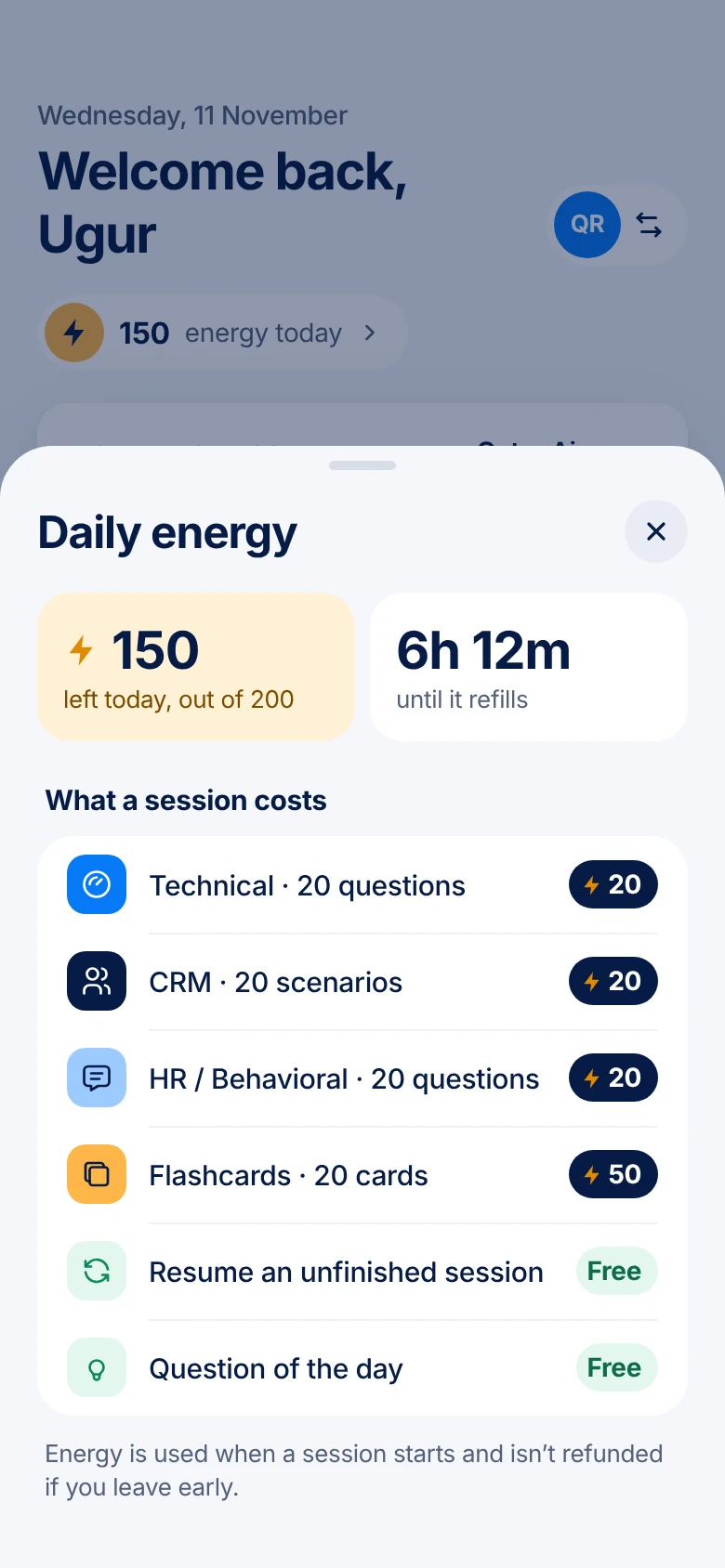
Daily energy
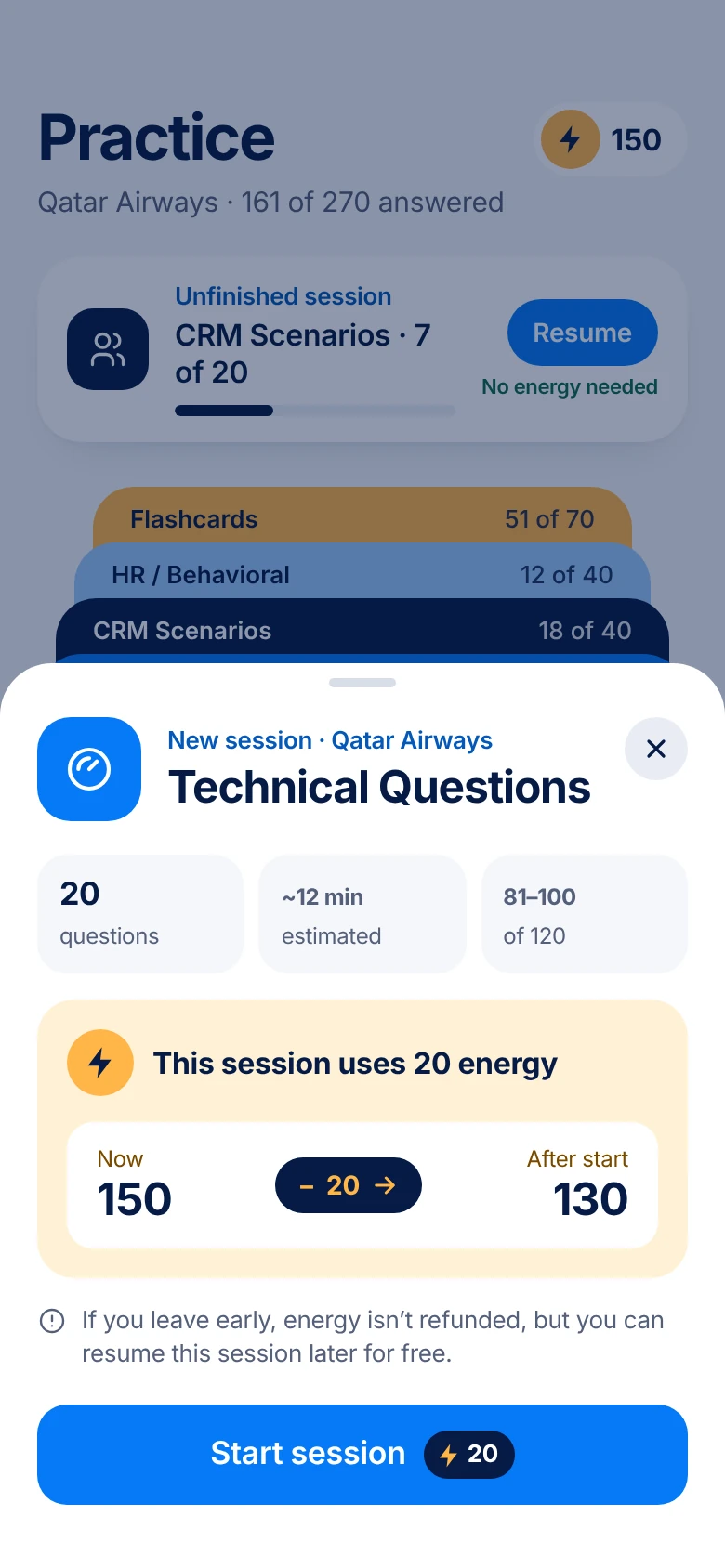
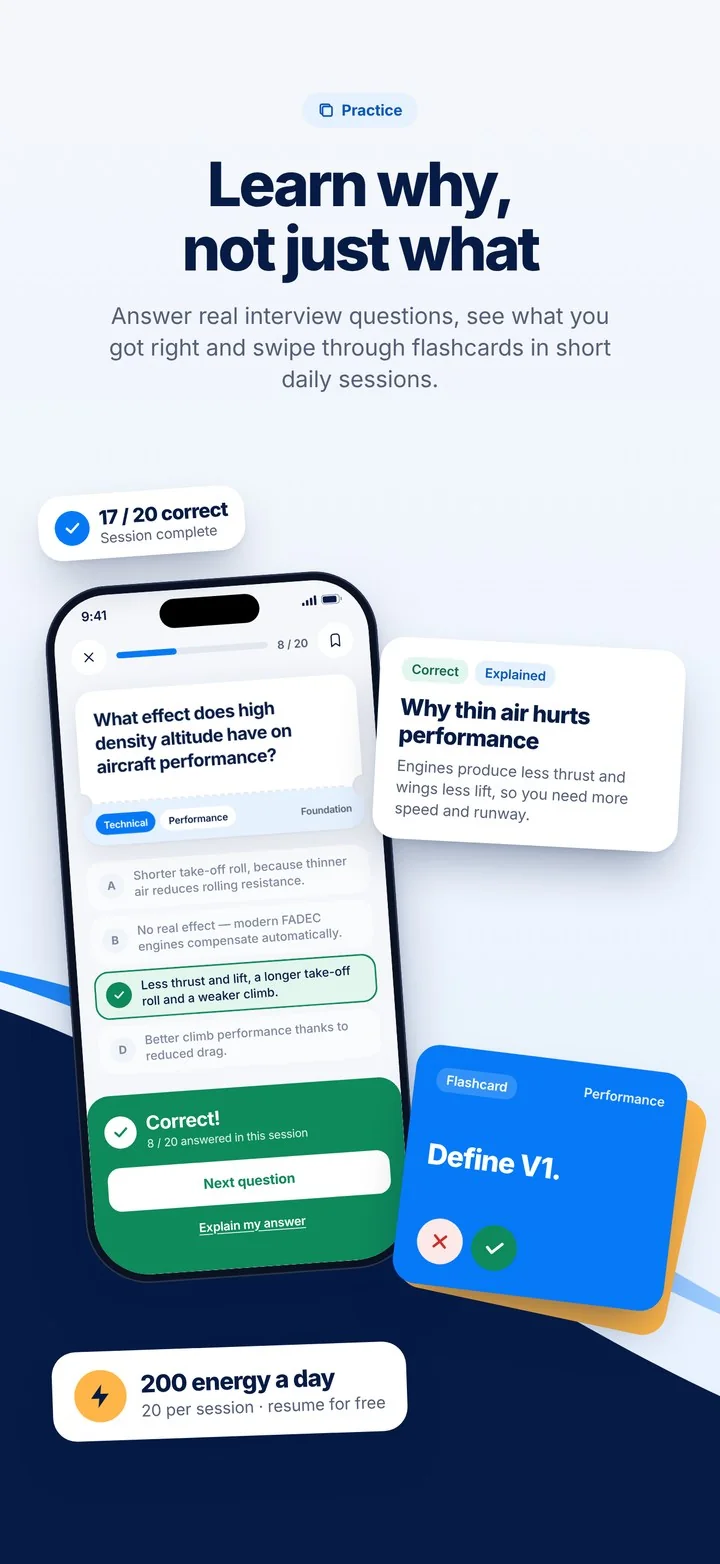
200 energy a day. A question session costs 20 and flashcards 50, pacing practice across the days before the interview.
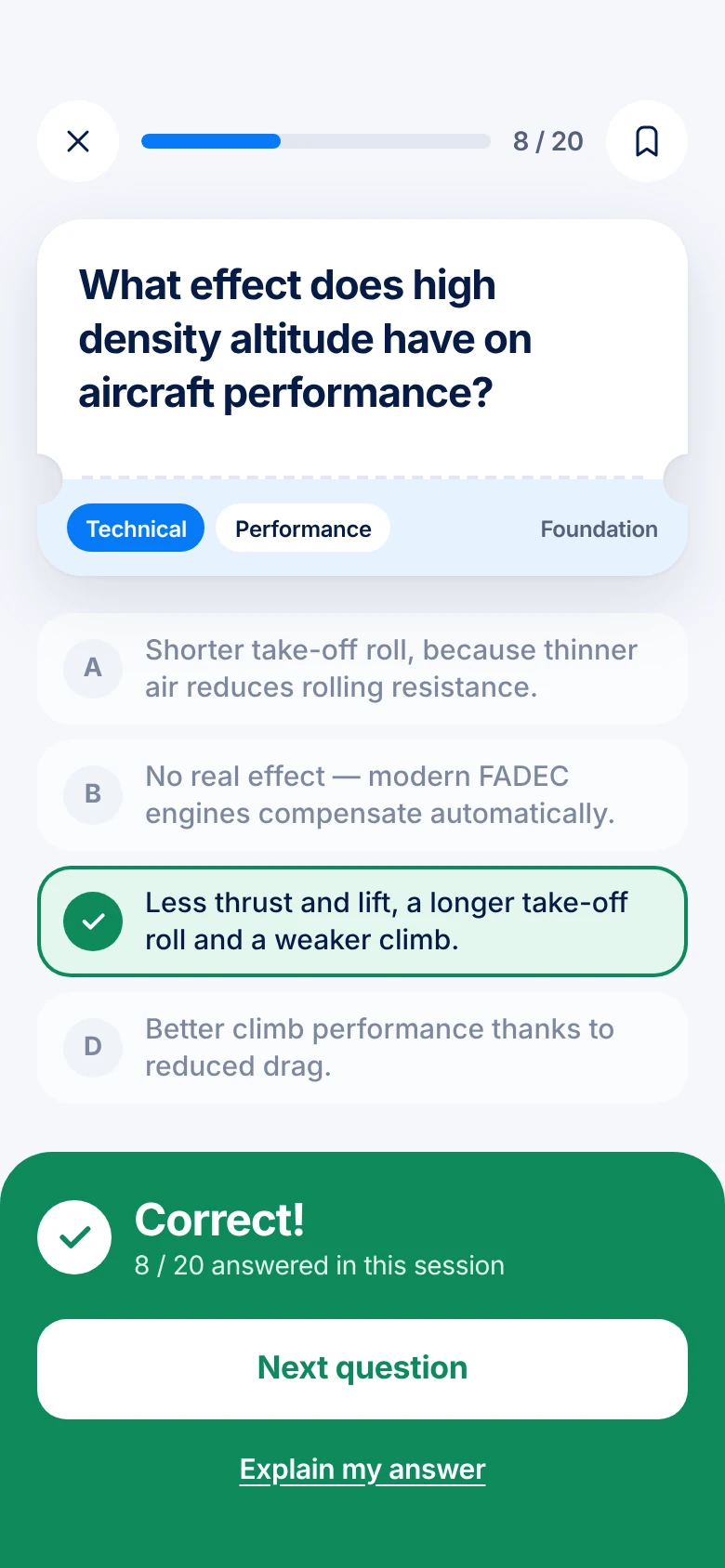
Instant feedback
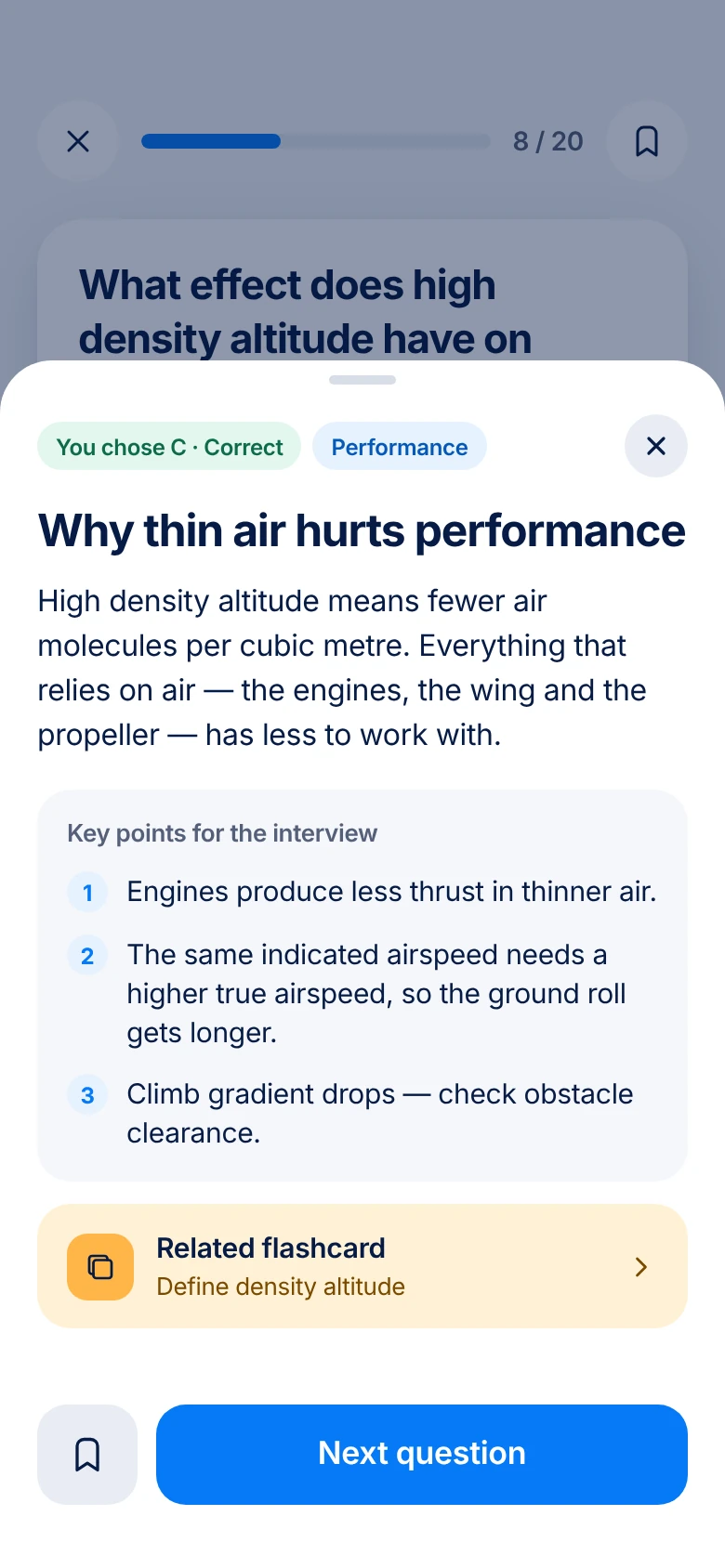
Every answer gets immediate feedback, and “Explain my answer” turns a mistake into key points.
iPad
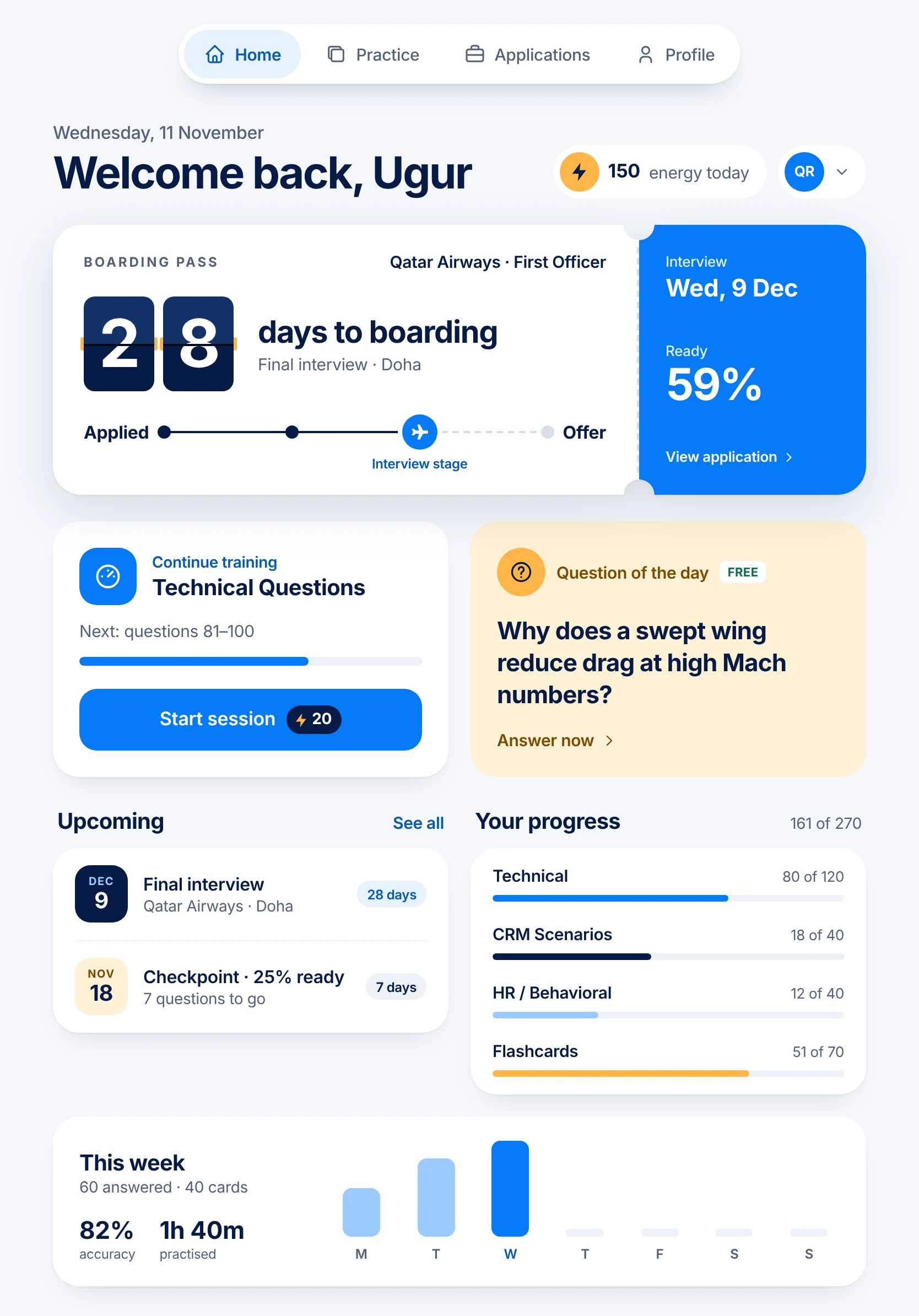
The same flows, adapted for iPad.
A floating tab bar and wider layouts give practice, questions and flashcards room to breathe on a larger screen.
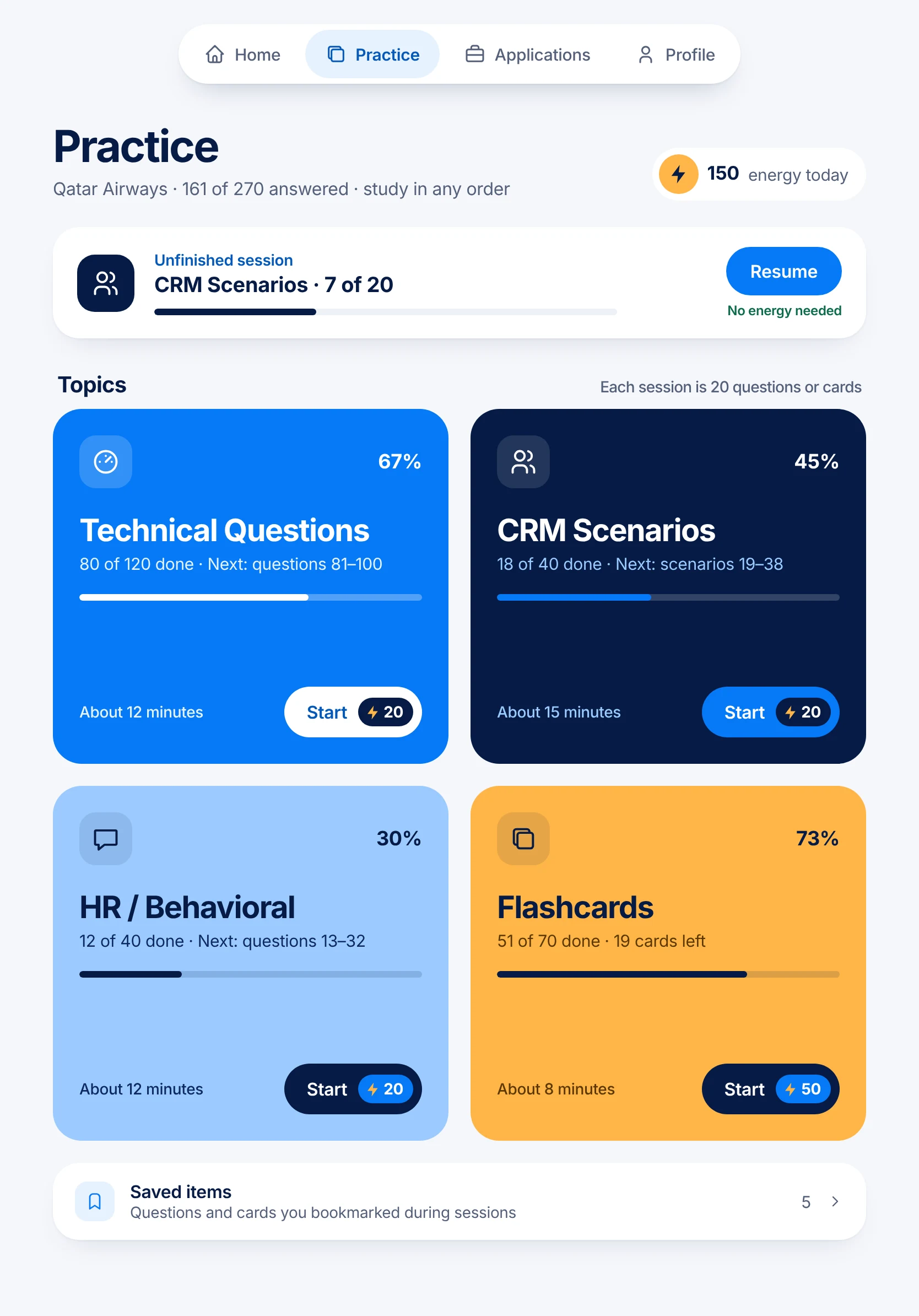
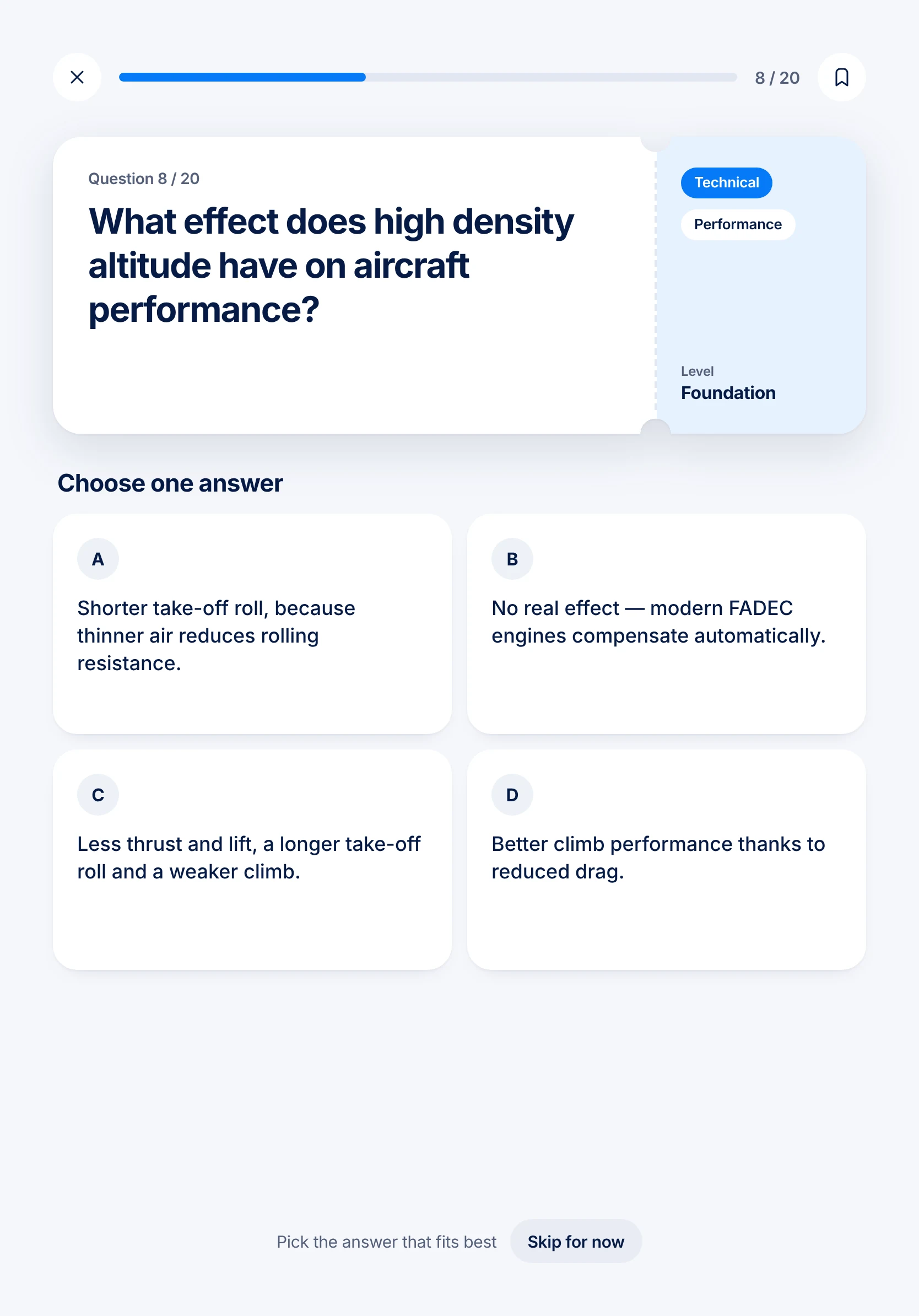
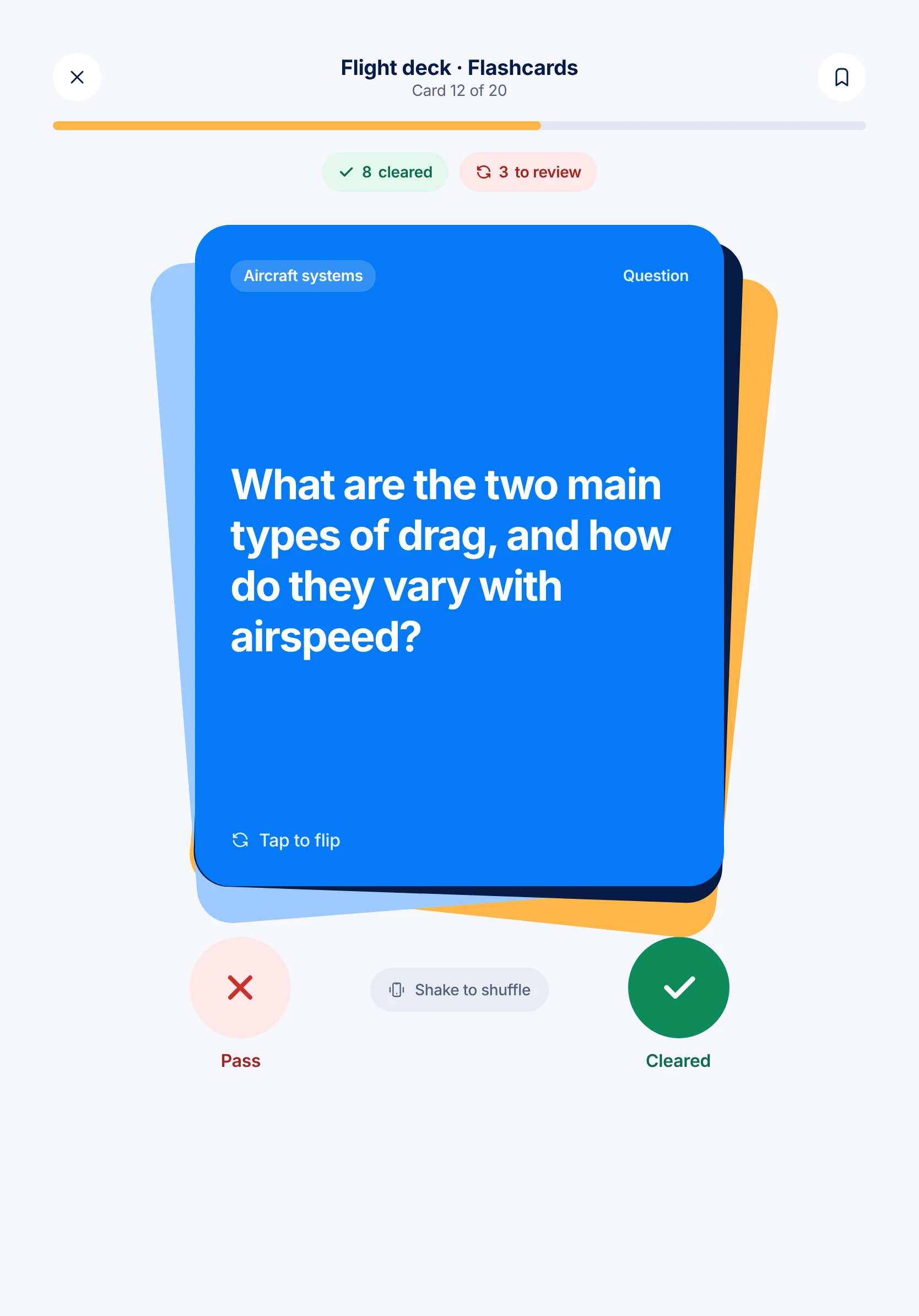
Design system
One system for iPhone and iPad, built with Claude.
Colour, type, icons, the energy system, buttons, headers and every question state live in one component library. The design system was created with the help of Claude.
Brand
A paper plane meets a wing, forming the letter A.
The forward-leaning mark signals speed, precision and progress. A white canvas, one confident blue and a family of near-blacks keep the focus on the questions.
- Large title · 34 Bold
- Practice
- Title · 30 Bold
- Session complete
- Headline · 20 Bold
- Other applications
- Body · 16 Medium
- Qatar Airways · First Officer
- Caption · 12 Semibold
- Refills at midnight
App Store
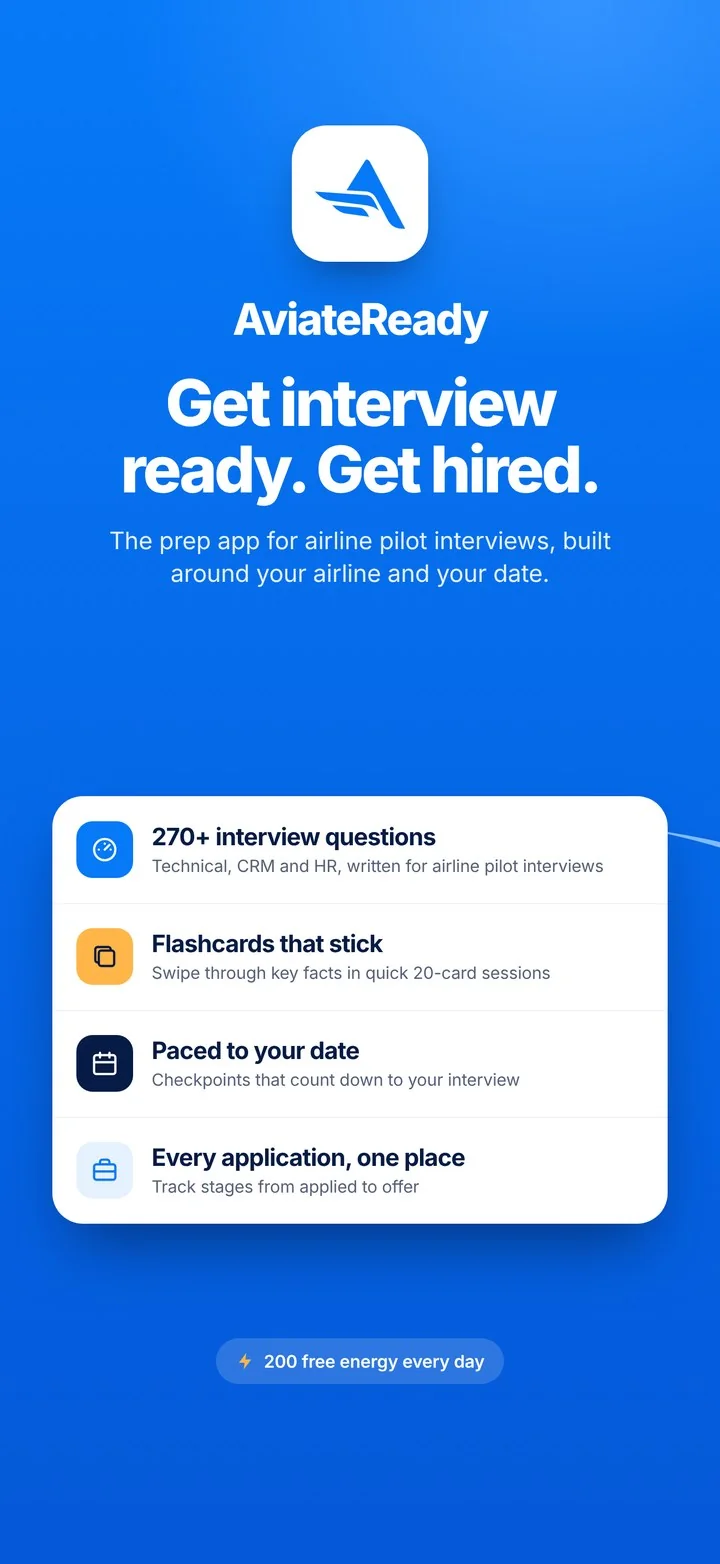
A listing in the app’s own voice.
One idea per screenshot, from learning why to getting hired, set on the brand blue and built from real screens.
Social media
Launch content for Instagram.
A launch kit built from the same brand system and real app screens: a six-slide carousel, single feed posts, daily stories and a short reel.